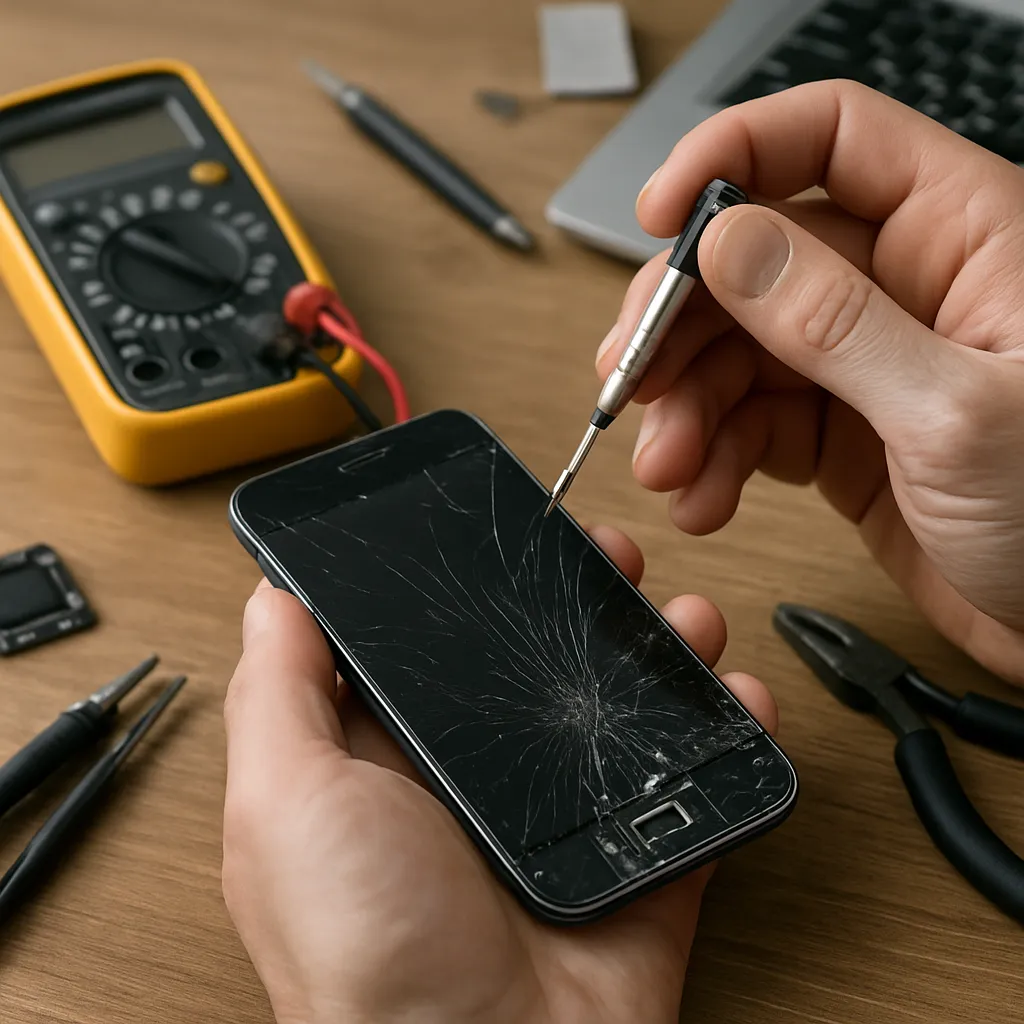
The world is quietly filling up with faulty laptops, glitchy phones and dead hard drives. Behind every frozen screen there is a story about design choices, user habits and the limits of modern technology. Hidden in today’s computer repair statistics is a revealing picture of how and why our devices fail. These failures aren’t just annoyances; they affect productivity, security and the environment. Understanding the patterns behind breakdowns helps consumers make smarter purchasing decisions and gives businesses a roadmap to extend device lifespans. From aging batteries to overheated processors and corrupted SSDs, repair trends show which components are most vulnerable and when failure is most likely to strike. By looking beyond individual horror stories and focusing on aggregated numbers, we can see where technology is improving, where it is stagnating and what that means for the future of personal and professional computing.
Why repair statistics matter more than ever
Digital devices have become the backbone of work, education and entertainment. When they fail, entire workflows stall. Repair trends reveal more than just how often devices break; they show how design, software updates and user behavior interact over time. A spike in failures after a major operating system update, for example, can indicate compatibility problems or firmware bugs.
Repair data is also critical for budgeting. Companies managing hundreds or thousands of machines rely on historical failure rates to predict when fleets of laptops or desktops will need maintenance or replacement. For individuals, understanding which devices typically last longer can mean the difference between a bargain and a costly mistake.
On a broader scale, repair and failure numbers feed into sustainability debates. If devices routinely die after just three years, electronic waste grows faster than recycling systems can keep up. Trends that show longer lifespans, higher repairability or more successful data recovery are signs of progress toward more responsible technology consumption.
Which devices fail most often?
Different categories of devices show distinctive failure patterns. Some are pushed hard every day, others fail slowly due to neglect or aging components. Looking at relative failure rates over several years highlights where the greatest risks lie.
Laptops generally fail more often than desktop PCs, largely because they are moved around, dropped, overheated in backpacks and exposed to spills. The thin designs that make them attractive often mean less robust cooling and more tightly packed components. Smartphones see even higher incident counts, but many of those cases involve cracked screens and liquid damage rather than internal component failure.
Desktops, despite being older technology, benefit from better airflow, easier access for cleaning and more space around components. They tend to fail later and more predictably, often due to power supply degradation, fan wear or storage issues. Servers occupy a different category: they are designed for longevity but run constantly, so wear is driven by hours of operation rather than physical shocks.
The lifecycle of a failing device
Failure is rarely instant. Most devices follow a rough lifecycle that can be mapped to typical repair trends. The first year is dominated by early failures, often related to manufacturing defects. These are usually covered by warranty and surface as return or replacement cases rather than paid repairs.
Between years two and four, usage patterns start to matter more. Dust builds up, thermal paste dries out, and batteries begin to show reduced capacity. Repair statistics often show a clear uptick in fan replacements, keyboard issues and broken power connectors in this period. For mobile devices, this is typically when owners begin to notice performance slowdowns and shorter battery life.
From year four onward, age-related failures dominate. Capacitors in power supplies can weaken, solder joints may crack under repeated thermal cycling, and storage devices are more likely to develop bad sectors or controller faults. Many users decide to replace rather than repair at this point, so official repair numbers underestimate how many devices are actually near the end of their usable life.
Most common hardware failures
Looking at aggregated service data, a handful of hardware components appear again and again as points of failure.
The first is storage. Hard disk drives introduce mechanical complexity: spinning platters, moving heads and fragile bearings. They are vulnerable to shocks and wear, leading to bad sectors, clicking noises and, eventually, failure to spin up at all. Solid-state drives remove moving parts but introduce different weaknesses, such as limited write endurance and susceptibility to controller or firmware errors.
Batteries are another top failure category. Lithium-ion cells degrade with every charge cycle and faster if subjected to high temperatures. Stats commonly show steep performance declines after two to three years of intensive use. In sealed designs, this pushes many users toward full device replacement instead of a simple battery swap, driving up both costs and waste.
Cooling systems also generate a large volume of repair cases. Fans wear out or become clogged with dust, leading to noisy operation and poor airflow. Over time, this can cause overheating, spontaneous shutdowns and even damage to other components like CPUs and GPUs. Thermal issues often appear seasonally, with more failures recorded during warmer months.
Input components such as keyboards, trackpads and ports round out the list. Repeated physical use leads to broken keys, unresponsive touch surfaces and loose power jacks. While individually minor, these failures can make an otherwise functional machine difficult to use, pushing it into repair shops or onto the replacement pile.
Software-related failures and repair trends
Not all “dead” devices suffer from physical damage. A significant percentage of repair cases involve software issues that mimic hardware failure. Corrupted system files, problematic driver updates and misconfigured boot loaders can all prevent a device from starting properly.
Repair trends show spikes in software-related incidents following major operating system upgrades. In many of these cases, older hardware struggles with new drivers or lacks firmware updates, leading to crashes, blue screens and performance problems. The device appears broken, even though every component is technically intact.
Malware and ransomware also significantly influence perceived failure rates. Machines that become unusably slow or locked by malicious software are often treated as hardware failures by non-specialist users. Professional diagnostics, however, frequently identify that a thorough cleanup, system reinstall or secure data recovery can restore the device without replacing any physical parts.
Data loss: the invisible cost of failure
From a user perspective, the true disaster in many failures is not the hardware itself but the stored information. Photos, contracts, research projects and financial data can be lost in an instant when a drive collapses or a system refuses to boot. Repair statistics that track data recovery efforts reveal how often people wait too long to back up essential files.
Mechanical drives often give advance warning through unusual noises, longer boot times and intermittent read errors. However, many owners ignore these signs until it is too late. SSDs are more subtle. They can fail suddenly when internal error correction is exhausted or when a controller chip fails. Because SSDs feel fast and reliable, users tend to assume they are nearly indestructible, which makes the shock of abrupt failure even greater.
Data recovery success depends heavily on the type of failure and the user’s actions afterward. Continued attempts to boot a failing drive can overwrite recoverable areas. Opening a drive outside of a clean environment can contaminate the platters. Trends in successful recovery cases consistently highlight the same advice: stop using the affected device as soon as critical data is at risk and seek specialized help quickly.
New devices vs. repairs: what the numbers imply
When costs are compared, it can be tempting to replace older devices rather than repair them, especially when budget models are widely available. Yet repair statistics often show that a single well-timed fix can extend a machine’s life by years at a fraction of the price of a new purchase.
Battery replacements, storage upgrades and cooling system cleanings typically account for a large portion of repair shop activity. These procedures are relatively low risk and can noticeably improve performance, particularly on laptops that shipped with limited storage or modest cooling. In many cases, adding a modern SSD to an older computer yields a bigger real-world speed boost than replacing the device entirely.
On the other hand, repeated failures across different components may signal that deeper issues are present, such as poor power quality, extreme operating conditions or inadequate ventilation in the workplace. In such environments, repair data helps justify investment in supporting infrastructure like surge protection, better cooling or more robust equipment.
Predictable patterns: when devices most often fail
Aggregated repair data shows clear patterns in timing. Many devices experience their first serious issue shortly after the standard warranty period ends. This is partly a statistical effect: minor problems in the first year are usually addressed by the manufacturer, leaving the more complex or gradual failures to surface later.
Seasonal effects are also visible. Higher temperatures in summer correlate with more overheating cases, fan failures and thermally induced shutdowns. In regions with unstable electricity grids, power surges during storms or peak usage periods line up with spikes in power supply and motherboard damage.
Usage intensity plays a major role. Devices used for gaming, video editing or 3D rendering accumulate heat cycles far faster than machines used mainly for web browsing and office work. Over time, this leads to earlier degradation of thermal interfaces, VRAM and power delivery circuits, which is reflected in higher repair rates in these user groups.
Design trends and their impact on failures
Modern design trends heavily influence repair statistics. Ultra-thin laptops and fanless tablets prioritize aesthetics and portability, often at the expense of modularity and cooling headroom. Soldered RAM and storage limit upgrade paths and can turn what would once have been a simple swap into a complete board replacement.
Water resistance in smartphones and some laptops has reduced the number of liquid-damage cases, but it also makes legitimate repairs more complex due to strong adhesives and sealed shells. The rise of high-resolution displays has increased user satisfaction but introduced a larger area of fragile glass, contributing to more screen-related interventions.
Extended software support periods help delay obsolescence and reduce the need for hardware replacements driven purely by compatibility. However, feature-heavy operating system updates can put stress on older devices, sometimes accelerating the perception that a machine is too slow or unstable to keep using, even when the hardware remains fundamentally sound.
User behavior and preventable failures
Many recorded device failures could be delayed or prevented with relatively simple habits. Dust build-up is a leading contributor to overheating, yet regular cleaning is rare among average users. Keeping vents clear, avoiding soft surfaces that block airflow and occasionally using compressed air can significantly improve thermal performance.
Power protection is another factor. Using quality surge protectors or uninterruptible power supplies in unstable grid environments reduces the risk of sudden power-related failures. Likewise, handling laptops by their base rather than the screen, using padded bags and avoiding extreme temperatures all correlate with lower incident rates.
Backup practices also shape the real impact of failures. While they do not reduce the number of physical breakdowns, they determine how disruptive those events become. Environments with enforced automatic backups experience far fewer catastrophic data losses, even though the underlying failure statistics for hardware may be similar.
What repair trends suggest about the future of devices
Looking ahead, several patterns in current repair data point toward future shifts. The move from HDDs to SSDs is already reducing failures related to mechanical wear while increasing the importance of firmware reliability and controller quality. Battery chemistry improvements and smarter charging algorithms are gradually extending useful lifespans, though physical limits remain.
Growing interest in repairability is starting to influence product design in some segments. Modular components, clearer documentation and accessible spare parts can lower both repair costs and failure impact, encouraging owners to fix rather than discard aging devices. At the same time, manufacturers that lock down their hardware tightly may see more of their products treated as disposable and underrepresented in independent repair statistics.
As devices proliferate, the volume of failures will inevitably rise, but their nature will continue to change. Understanding these shifts through detailed analysis of repair trends helps users, technicians and organizations adapt strategies, prioritize maintenance and make more informed choices about which technologies to trust with their most important work and data.